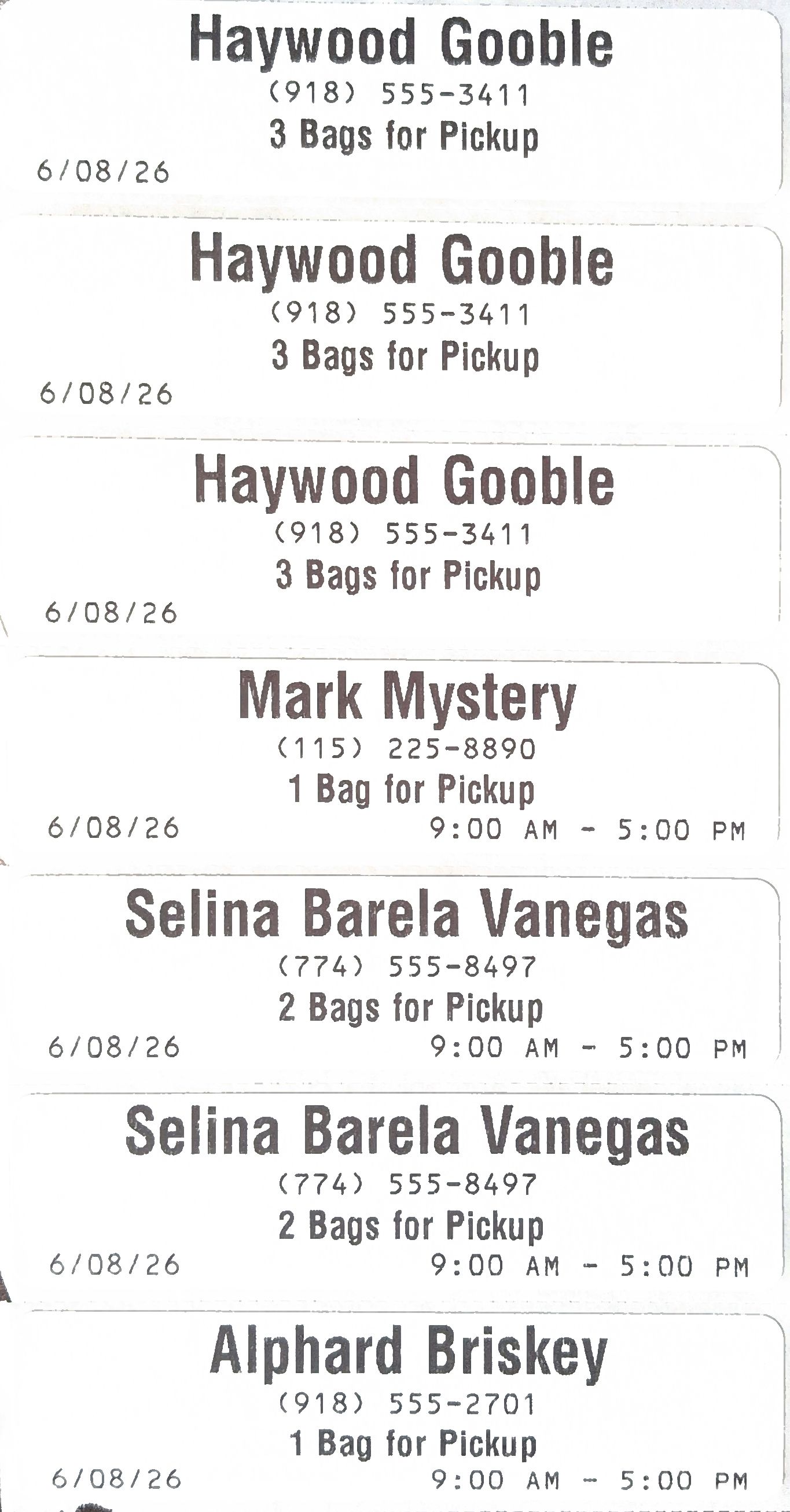
Pickup Bag Labels
When printing a delivery route's stops on the Delivery page (as detailed in the "Managing Delivery Orders" section of this support article on Pickup & Delivery), you can also print bag labels for each pickup's bag.
Please note that this option only works on a Wash-Dry-Fold POS system at a store where Delivery features are enabled, and a thermal label printer is attached.
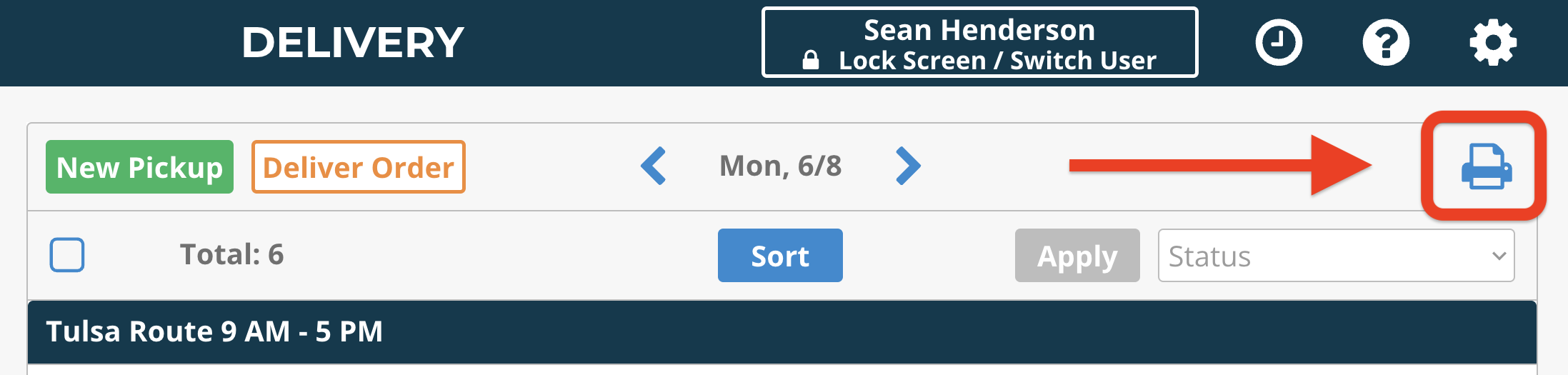
After you've confirmed the day's pickups on the Delivery page, click the print icon in the upper-right corner of the screen.
Click the Print Labels button at the bottom of the pop-up.
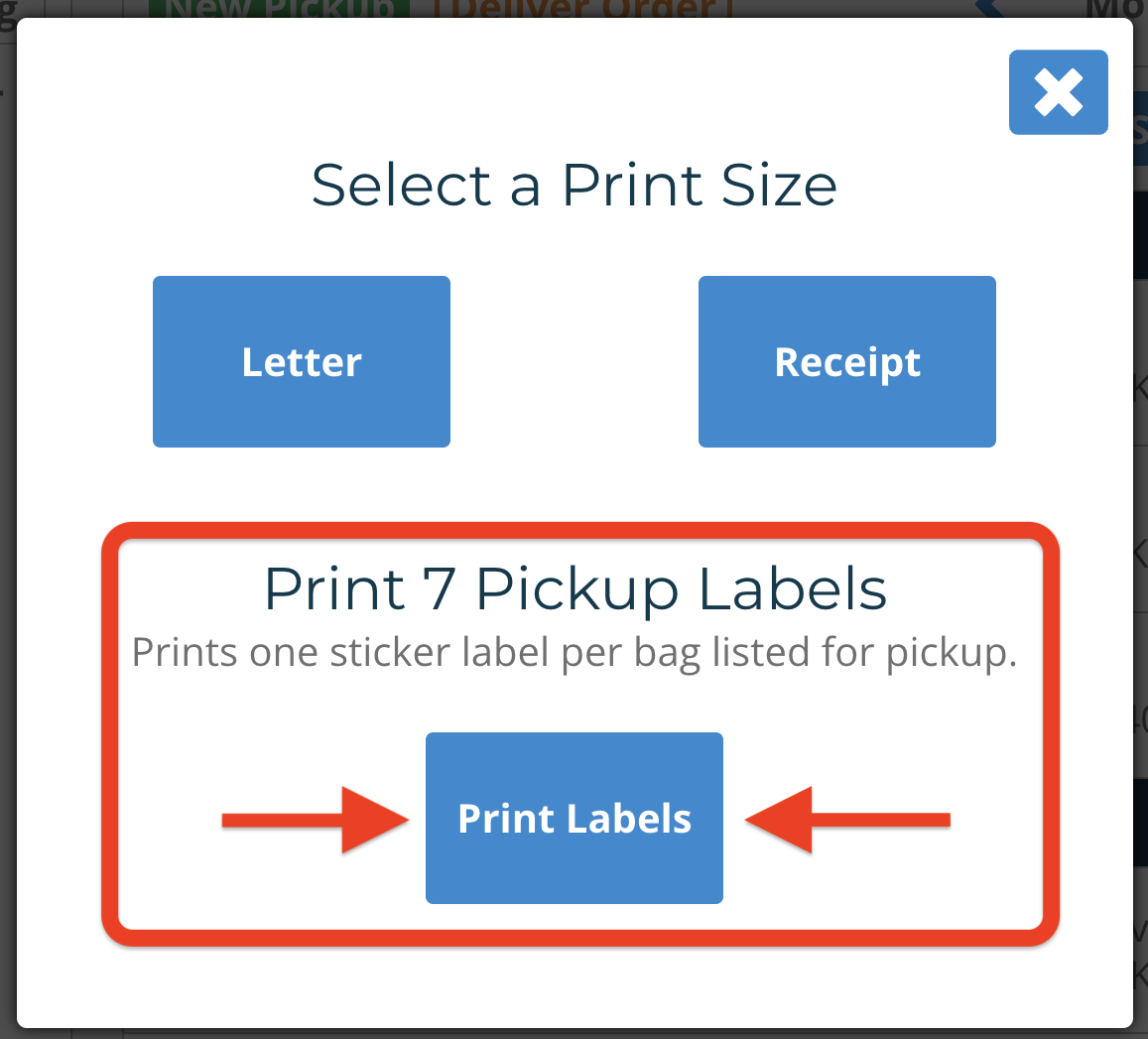
The label printer will print one label per bag listed for pickup.